With more
SaaS platforms on the market than ever before, consumers now hold all the power when it comes to buying and educating themselves on all the available options. For SaaS companies that want to stand out in a sea of available options to consumers, one of the best ways to do so is by investing in improving customer experience.
Defined as your customers' perception of how your company treats them throughout the entirety of the buyer's journey, improving customer experience directly correlates to an increase in customer retention, customer satisfaction, and revenue for software as a service providers.
With 86 percent of buyers willing to pay more for a better customer experience, according to a recent
Walker report, it is clear that SaaS companies that want to build sustainable customer loyalty need to make providing an excellent customer experience a priority.
While there are many different ways that a SaaS company can improve customer experience, in this post we're going to focus on the top five.
1. WANT A THRIVING BUSINESS? FOCUS ON CUSTOMER FEEDBACK
To provide your customers with the best experience possible, it's crucial to adapt and grow based directly on customer feedback. Customer feedback is vital because without it, prioritizing things like what features to add to your product roadmap or how to mitigate churn becomes nearly impossible.
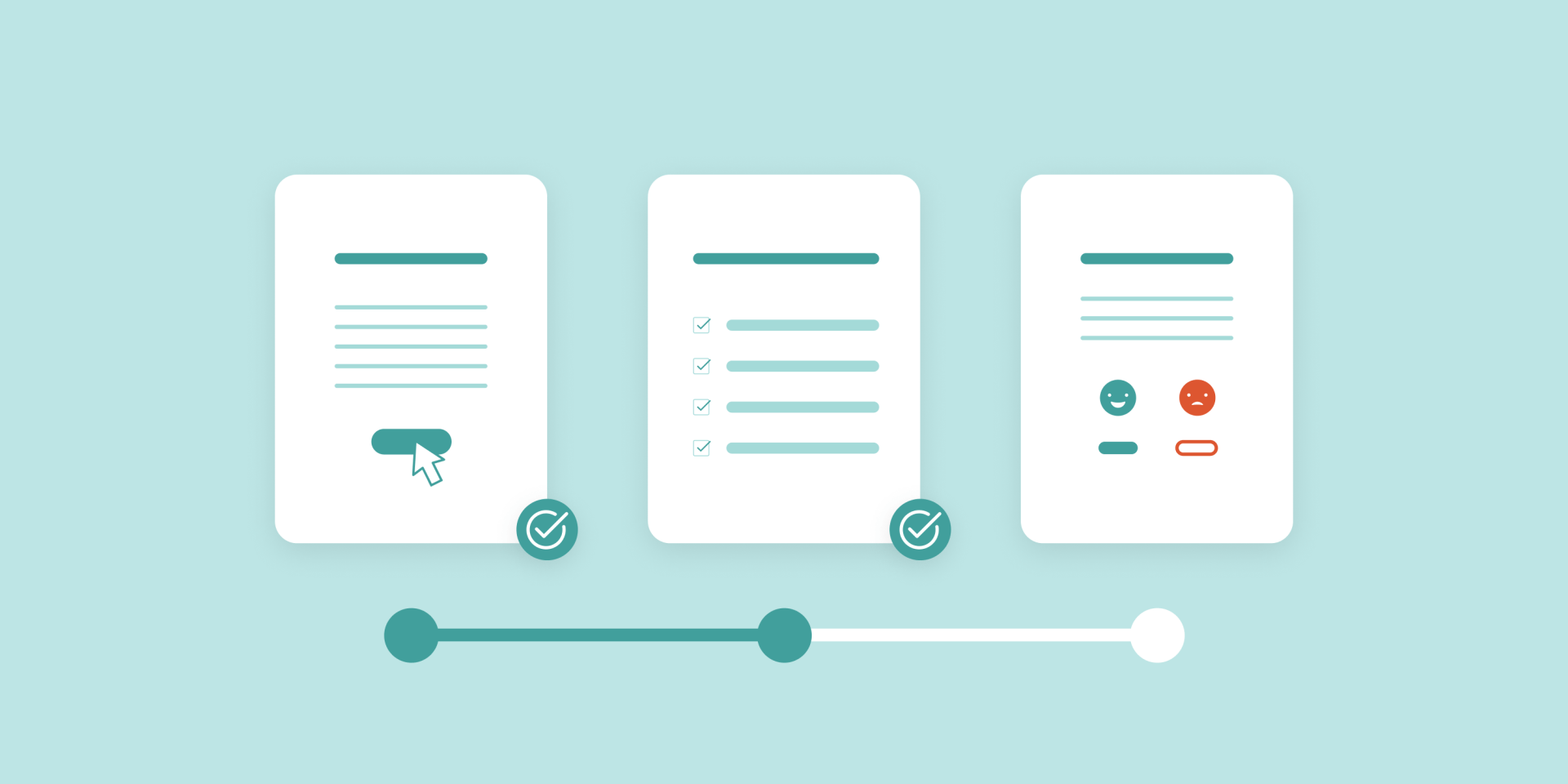
By defining a transparent process for collecting customer feedback, you can create a repeatable and scalable way to make sure that your customers feel heard, improving their overall experience.
Below are a few of the best ways to collect customer feedback:
- Long Form-Based Surveys: Typically sent to customers via email, these surveys should be between five to ten questions long and lead with open-ended questions first followed by multiple-choice questions.
- In-App Surveys:
If your platform has an app, a two to three-question pop-up survey can provide valuable insight into detecting bugs, improving functionality, and design without overwhelming users.
- Phone Call Survey:
For customers with strong opinions about your solution, a phone call survey can help you better understand the sentiment around your solution better than other methods. Just make sure to schedule these calls either early morning or later afternoon since these times are better for busy customers.
How to Take Action on Customer Feedback
Now that you understand the importance of customer feedback and how to collect it, it's time to act on your findings. While there are many ways to do this, here are a few ways you can get started.
- Identify and Nurture Delighted Customers:
From your survey findings, identify customers excited about your solution and turn them into champions who will recommend your product to friends and colleagues. An example of nurturing these customers is sending hand-written cards thanking them for their business.
- Follow-up on Negative Responses:
Customers that respond negatively provide an opportunity for SaaS providers to start an open dialogue and win back trust. Make sure to respond quickly, so customers feel heard.
- Implement Feedback Into Your Product Roadmap:
Customers feel valued when their feedback is taken seriously. Therefore, prioritize input into your product roadmap, especially if many customers have the same suggestion.
2. INCREASE CUSTOMER SUCCESS BY DEFINING IT
When it comes to creating the best experience possible for your customers, nothing rings truer than the age-old saying, "success is in the eye of the beholder," or in this case, the eye of the customer.
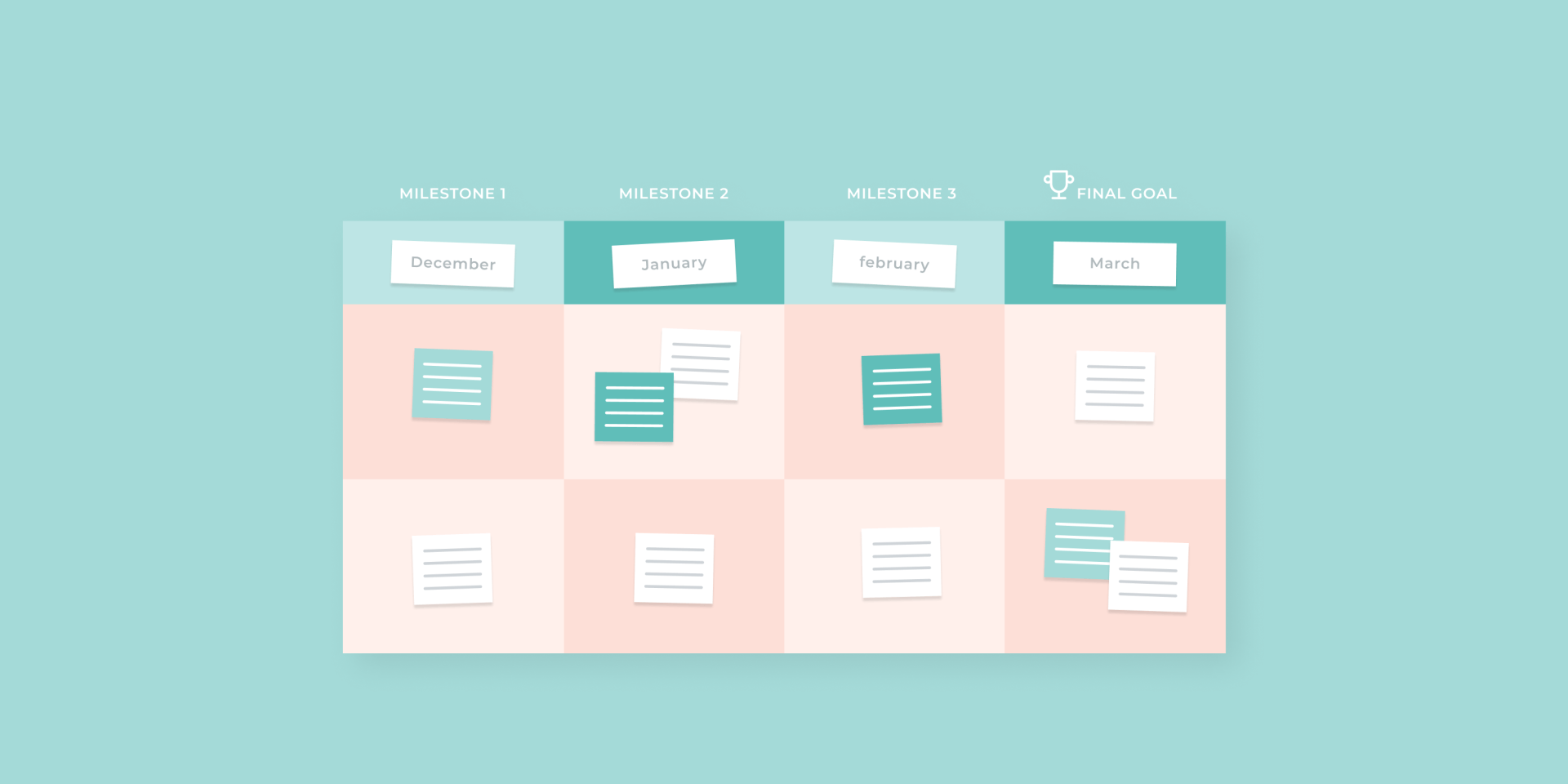
One of the best ways to improve your customer's experience is by determining what their end goal is for using your solution and defining milestones along the way to achieve that goal. Defining your customers' "why" and milestones early on in the onboarding process will help assure them that they have made the right choice and are in good hands moving forward.
While each customer will have their own specific goals they would like to achieve, you can start compiling commonalities between customers to incorporate and better tailor your onboarding process for future customers.
A few SaaS KPIs to consider when defining the success of your own customers could include:
- Repeat Purchase Rate: The number of customers who made a repeat purchase over 365 days divided by the total number of customers that you've had in 365 days
- Customer Retention Cost:
The annual cost of customer success & retention initiatives divided by the number of active customers
- Customer Satisfaction Score:
the number of positive responses divided by the total number of responses received
3. BOOST YOUR OMNI-CHANNEL CUSTOMER SUPPORT EFFORTS
Although many SaaS companies heavily emphasize their customer’s buying experience before making a purchase, it’s just as important if not more to provide customers with omni-channel support options after the sale is finalized.
While the term omni-channel has been used mainly by the marketing community to describe a way to approach marketing to customers over many channels, in this instance, omni-channel customer support means offering more personalized experiences to customers through the medium of their choice.
Today’s customers are looking for a seamless experience when it comes to support no matter what channel they arrive on and expect to have their inquiries resolved quickly without repeating their issue more than once. As a result, this experience plays a significant role in overall customer satisfaction, retention, and loyalty to your brand.
Some Examples of Omni-Channel Support Mediums You Can Implement Include:
- In-store service desks
- Email
- In-app chat
- Text messages
- Social media
- Live-chat or chatbots
- Self-service education resources
Keep in mind that depending on your industry, some channels will be more effective than others for satisfying your customers’ support needs.
3 Tips for Optimizing Omni-Channel Customer Support
To make the biggest impact on your customer’s experiences, it is crucial to have a strategy behind your support options.
The following tips will help you maximize your omni-channel support offerings.
- Streamline All Data Collected: Customers expect SaaS platforms to understand their pain points no matter what support medium they use. Centralizing data can eliminate the need for customers to repeat their issues, making for a better experience.
- Utilize Automation to Increase Agent Productivity:
Not every customer will need to talk to a live customer support agent to resolve their issue efficiently. Using AI and automation can allow agents to focus on more complicated support cases while creating a fantastic customer experience for all other inquiries.
- Shorten Responses Times on Social Media:
Many
customers expect faster response times from social media than other channels due to its public-facing nature. SaaS companies that respond quickly can increase trust with their customers, leading to more repeat sales later on.
4. STEP UP YOUR CUSTOMER ONBOARDING PROCESS
First impressions can often make or break whether a customer will do business with you in the buyer’s journey. The same can be said for the lasting impact a client’s onboarding experience will have on their overall customer experience.
For this reason, it is imperative to make sure that your customers feel validated that they made the right purchasing decision and can see themselves growing their businesses with your products right at the start of your relationship.
Customers that have a great onboarding experience are typically more engaged,
less likely to churn, and more likely to make repeat purchases than customers who have a poor onboarding experience. This matters because SaaS platforms can no longer rely on a great product alone to make a customer’s experience enough for them to stick around.
By creating a solid onboarding experience for your customers, you can help customers feel valued while increasing their product adoption.
SaaS platforms can do this by:
- Welcoming new customers with post-signup communication
- Providing product walkthroughs or courses for continued education
- Timely check-ins to discuss customer goals and metrics
- Consistent customer support during the partnership
To ensure customers are getting the most out of their onboarding experience, it is best to ask for feedback regularly and make improvements whenever necessary in your process.
There is no “one size fits all” for creating the best onboarding experience for your customers, so feel free to test out different strategies to see what yields the best results.
5. ACHIEVE ULTIMATE PRODUCT STICKINESS: PARTNER WITH A WEBSITE BUILDING PLATFORM
While an SMB's digital presence has always been important for communicating with customers and facilitating purchases online, the pandemic has accelerated the need for SMBs to get online or face losing their businesses.
This matters for SaaS solutions because while many SMBs now value having a digital presence, a vast majority of SMBs have either no online presence at all or a poor online presence at best.
This presents a huge opportunity for SaaS companies to help SMBs improve their business with their current core offerings and assist SMBs in creating a killer digital presence.
By incorporating websites into your core offerings or selling sites in tandem with existing offerings, you can increase the perceived value of your solutions for your customers, thus selling more.
By partnering with a
website building platform like Duda, SaaS companies can programmatically create beautiful, fast-loading websites for SMBs, from a variety of
simple but
effective templates, satisfying their need for a robust digital presence while improving customer stickiness and experience.
You can check out how Duda
helped other brands offer software as a service better to their customers here.
In addition, with the website building platform taking care of all the maintenance typically required with offering websites, SaaS platforms can take advantage of additional revenue-generating opportunities while saving time to improve other aspects of the business. It's a "win-win" situation for SMB customers and SaaS platforms looking to provide a better customer experience.
For more information on how to
offer SaaS with Duda contact our team today.
Download your reference guide for Improving SaaS Customer Experience
here.
Related Posts
By Ilana Brudo
•
July 21, 2026
Stop shipping decorative AI wrappers. Learn how to design natively embedded AI features that actually reduce customer workload and drive real SaaS business value.
By Shawn Davis
•
July 8, 2026
Discover how AI is shifting online search from traditional SEO to AI Engine Optimization (AEO). Learn key strategies for content volume and freshness to boost visibility.
By Shawn Davis
•
July 2, 2026
Learn how SaaS companies can evolve pricing strategies for the AI era, balancing outcome-based models and usage-based shifts to effectively capture value.
Show More