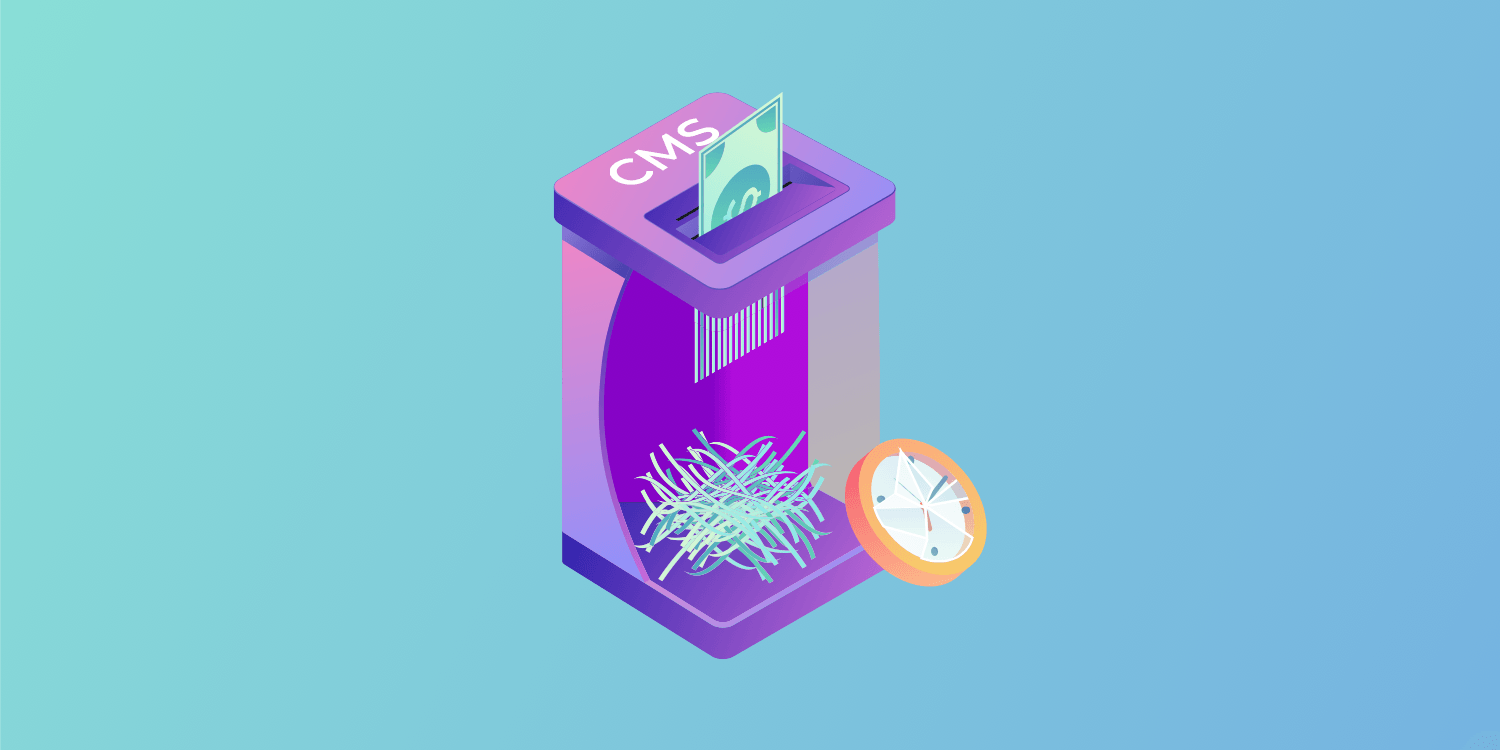
Building an in-house CMS service is a move that shouldn’t come lightly, especially for smaller businesses or
agencies. It’s a laborious and costly task that could be better off being outsourced.
Here at Duda, we value your time and make it our goal to take the pressure off
website building and developing content management systems so you can focus on other key areas of your business. We offer
fully collaborative, white labelled products that are up-and-running in no time.
But why us over your own in-house system?
#1 Your In-house CMS is going to cost a lot
Tremendous amounts of time, effort and focus are required to develop a product, no matter what it is. When this product happens to be an in-house CMS that will be introduced as a new addition to a company’s arsenal of products, a business will have to pull resources away from innovating core products in order to focus on building it.
A CMS is a framework, so you have to consider what functionalities will be needed at the core of the new CMS you want to build. Then, you will have to decide which innovations will be worth building out –– without any guarantee that customers will even use them — and this is what is needed just to get started. Efficiently maintaining and updating the CMS will call for additional, ongoing investments of resources. More on that later…
#2 The competition has a polished product
When it comes to website builders, there are multiple large, well-funded companies with hundreds of developers at their disposal, focused on building and innovating their products. Consequently, if a service provider is considering building their own CMS, they should ask themselves what the chances are that their finished product will stand up to similar products on the market. If the chances are anything less than high, then it’s not going to be worth the trouble.
#3 The competition has a bigger budget
When all is said and done, your customers have many options to choose from. So regardless of whether or not you believe the leading web design platforms targeting SMBs are competitors, they are. And aside from offering popular website builders, they all have one thing in common: they are spending millions of dollars a year researching, developing and marketing their products. Wix alone spent $54.56M
on R&D in Q4 2018, created Superbowl ads
and has even recruited Captain Marvel
to promote their websites.
#4 The finished product won’t live up to its expectations
Even if a service provider successfully makes it through brainstorming, planning and creating a new CMS, the quality of the finished product might prove to be another roadblock. Since it’s hard to know for sure how a CMS will look, feel and work until the product is complete, there’s no telling what tools, integrations and updates will be needed to improve your end product so it better addresses the needs of your customer base.
More often than not, the end product will fall below expectations in some way. For example, sites might score low on performance tests such as Google’s new Lighthouse test or certain features won’t function properly without the use of plugins, which further contribute to their slow performance. Not only do we build sites and CMS systems with Google’s
Core Web Vitals in mind, but you can also get full health checks of your site regularly in our
Health Portal.
#5 Ongoing maintenance costs a lot
Remember, creating a CMS is just the beginning. It will routinely need to be kept up to date with the latest design trends (such as video backgrounds, parallax designs) and best practices in order to stay afloat in a competitive market. This is a constant process that, along with investment and innovation, must never stop. Just six months without updates can turn a current product into a relic, especially website builders.
By taking the time to think deeply about the ongoing development required for a CMS, you will see not only how quickly costs can add up, but also the other places where that money would go to better use.
#6 The In-house CMS will need a lot of support
Just like most new products, a brand new CMS will come with a learning curve. Customer support will be required to help customers get familiar with a product, and troubleshoot it if any challenges come up. Count on investing more time and resources inadequate customer support (hiring and training employees). Without it, a little problem with a product can quickly turn into a big one. Nothing kills a product faster than customer dissatisfaction.
Is it really worth the effort?
If you use the Duda platform as a blueprint for creating a top-notch website builder, you will clearly see what components an in-house CMS requires to be seen as a viable option for website building. And in doing so, we also hope that you will see the many benefits (which we will cover) of using Duda’s tried and trusted and web design platform instead.
#1 Duda is a secure & stable platform
Duda is a proprietary platform, on which our source code cannot be accessed. With this type of software, you won’t have to worry about the software vulnerabilities that are typical of open source platforms such as WordPress. We also encrypt all Duda-built sites with auto-renewing SSL certificates.
Downtimes can send many customers running from one CMS to the next, but Duda users don’t have to worry about that either. All sites built on Duda experience outstanding monthly uptimes thanks to the continual work of our DevOps team, and our reliance on AWS hosting.
#2 Duda can be used under your brand
As a service provider, you want to offer your customers an end product that doesn’t just work well but also looks great. On the Duda platform, it’s as easy as applying your company’s branding (colors, logo, and design) to our white label editor. From then on, your clients will see your beautiful, polished web design platform without ever knowing that it’s actually Duda. With a custom CMS, adding your branding might be easy, but what good will that be if the end product is sub-par?
#3 Duda gives you a creative & competitive edge
Some platforms were built for blogs; Duda was built for web design. When it’s time to build sites, Duda grants full design freedom to the creative eye, and access to the code for your developers (in our developer portal). You can easily design beautiful sites from scratch or sleek templates (many of which are designed specifically for the numerous types of businesses our pros serve). Each site can easily be customized with design elements, as well as pre-built and/or custom-built widgets. We also offer a robust eCommerce solution
for stores housing up to 2500 products.
Every site built on Duda is also optimized for lightning-fast loading, SEO, and can be turned into a conversion-driving machine with website personalization and marketing campaigns that can quickly be built using Facebook pixels and Google analytics.
#4 Duda never stops innovating
When you use Duda, you’re working with a product that has been continually developed and innovated over the last decade. And we release weekly product updates to keep our platform current and in line with the industry’s highest standards for web design. When you use Duda under your brand, these product updates become your product updates –– without the extra R&D costs.
#5 Our API is Powerful
It would be extremely difficult to build an in-house CMS with an API as robust as ours. On Duda, you can use our API
for a multitude of functions –– from building websites instantly
for your clients using structured data
to creating your own custom workflows and automatically managing content that appears in more than one location on the web. Service providers will be hard-pressed to find, much less build, another CMS that lets you accomplish these tasks so quickly and easily.
#6 We support you while you support your team & clients
As a service provider, your team and customers matter. On Duda, you can effectively manage both –– at scale –– with team roles, client permissions and collaboration tools such as Site Comments. We also have incredible education and customer success teams ready to help you learn more about our platform’s impressive capabilities and offer you comprehensive product support.
#7 You can white label all our products to suit your brand
The beauty of using a Duda product is that you can make it your own. If you’re offering
software as a service to your clients, including an integrated CMS platform then you can ensure it’s branded to your business, but with all the same Duda quality.
Our
white label feature allows you to customise all of Duda’s products to your brand colours using our range of
templates and expert back end so what your clients see is a complete product designed and built by you.
HOW DUDA COMPARES TO OTHER CMS PROVIDERS
If you’re looking to shop around to find the perfect solution for your CMS needs, then you’re likely going to want to compare Duda to other leading brands within the industry. However, there are dozens of reasons as to why Duda is streets ahead of the likes of Wordpress and Wix.
Duda vs Wordpress
If you’re looking for ease of usage and design, then Duda certainly
stands ahead of Wordpress. The speed and simplicity of set-up and quality of support is far superior, meaning you can have a website and CMS system ready to go much more effectively.
Duda has proven to see quicker return on investment times according to Data from G2, with 86% of customers seeing a positive ROI in less than 12 months.
Duda vs Wix
For those who want to white label their CMS systems and introduce the likes of client collaboration, then it’s really no contest.
Wix currently doesn’t offer white labelling, with their brand remaining on all products, while the revenue stream control is no way near as flexible as what Duda offers.
CMS’s can be fully customised with Duda, allowing flexible permissions to clients, where Wix offers a set, basic product that will remain branded.
Duda vs Squarespace
Compared to Squarespace and it’s a similar outcome. Squarespace currently doesn’t offer a white label product with the brand prominent across products, which is far from ideal for agencies wishing to offer SaaS products, meanwhile when it comes to content management, contributors are limited in what they can do on a site, with also a limited number available.
Compare that to Duda’s customizable packages, from templates to
widgets and overall fully collaborative experience and there’s a gulf that emerges between the two.
Duda is the solution you want to provide
For companies such as digital marketing agencies and vertical solutions providers, it’s a great idea to provide as many services as possible to your customer base so that you eventually become a ‘one-stop shop’ or ‘full-service’ business. But it’s just as important to make sure that your offerings uphold a level of quality to be a contender on the market. You should also consider the size of your customer base, as the rate of adoption needs to justify the costs of integrating with the Duda platform in the first place.
For the time and money that it would take to build a CMS with no guarantee of success, it makes more sense to work with Duda instead. Duda has built a good standing in the web design industry and an impressive track record of more than 6,000 successful partnerships, 22 industry awards, and over 13 million websites built and counting. What better way to show your end clients that you’re taking the innovative lead than with a cutting edge CMS?