The promise of vibe coding for website creation is intoxicating. With a single prompt and a bit of natural language, a beautiful, functional website appears in seconds. For a small agency or a freelancer building one site at a time, this feels like the ultimate efficiency hack.
But a tool that builds one website beautifully is not a tool that can manage tens, hundreds, or even tens of thousands of them. And certainly, a team that builds and maintains only a single site for their business doesn’t necessarily have the skills, or the expertise, necessary to manage many sites at scale.
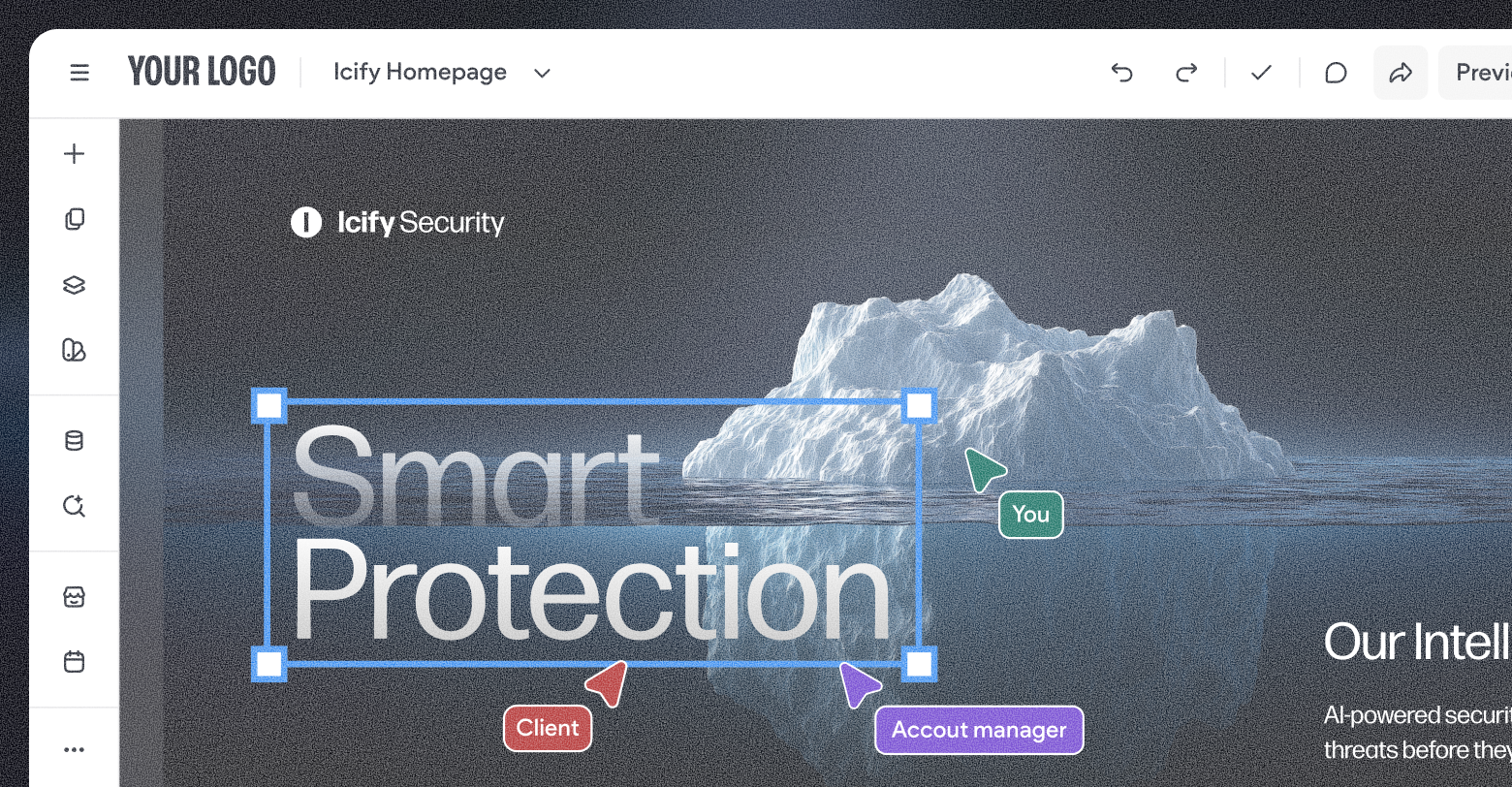
When businesses attempt to scale their website offering using vibe-only platforms, they typically encounter what we call the “vibe coding iceberg.” Above the surface, the speed and accessibility of initial site production are impressive. Below the surface, however, lies a massive mass of hidden risks, unpredictable costs, and operational debt that can sink even the most ambitious SaaS platform or digital agency.
The hidden costs of unsustainable models
The economics of vibe coding are currently unproven and often unstable. Many platforms offering these services operate at significant losses, with margins 50% to 60% lower than standard SaaS models due to high LLM costs. Cursor, a leading vibe coding platform,
estimated in 2025 that Anthropic is subsidizing their Claude Code vibe coding product by 900%; from $2000/month in compute down to $200.
For a business owner, this introduces a significant vendor viability risk. If you bet hundreds or even thousands of sites on a platform with unsustainable economics, you are vulnerable to sudden price hikes or service changes as the provider attempts to adjust their commercial model.
Beyond the vendor's subscription fee, you face compounding internal costs:
- Overcomplicated maintenance: Asking AI to tweak a button’s position or change a font’s color is like asking a colleague standing across the room to hand you a cup that’s sitting right next to you. These requests burn credits, leading to unnecessary costs, and often takes longer than it would have to just do it yourself in a drag-and-drop editor.
- Technical escalations: When basic changes lead to code-breaking errors, you become forced to involve expensive engineering resources for what should have been a low-cost edit.
- Support strain: Your support teams must become experts in an inconsistent maintenance experience, trying to fix different vibes across thousands of unique, AI-generated sites. Different sites may use different class and ID naming convenience, CSS frameworks, and different package dependencies—all in seemingly random ways.
The danger of fragmented management
Operational predictability is the foundation of a profitable business. When you manage thousands of sites, you require standards, governance, and control. Vibe-only platforms often
lack this infrastructure, leading to a disconnected ecosystem where management becomes fragmented.
In a vibe-coded environment, even small updates often require new prompts or total regeneration of the code base. This creates a dangerous cycle:
- Unpredictable changes: New prompts risk overwriting prior website logic, unintentionally breaking existing code.
- Specialist dependency: Non-technical teams, who should be able to make simple text or image edits, find themselves dependent on specialists who understand the original prompt.
- Inefficient maintenance: Simple edits become surprisingly complex over time as the codebase becomes a black box of AI-generated snippets.
Operating at scale requires a platform that centralizes data and keeps it in sync across your entire portfolio. Without this, your support and troubleshooting teams cannot work efficiently, and your operational costs will climb as your catalog of websites grows.
The security and compliance gap
Security and compliance are mandatory for any professional website, yet they are frequently an afterthought in vibe-coded environments. AI-generated code is rarely secure by default and often introduces exploitable vulnerabilities unintentionally.
According to Veracode, 45% of AI code samples fail security tests.
When you build on a vibe-only platform, security becomes a site-by-site technical effort. You must manually audit and verify the quality of every generated site. At scale, this makes security a full-time job that eats into your margins.
Privacy and accessibility face similar hurdles. Considering a
startling 94.8% of all website homepages contain some WCAG 2 failure, it’s unlikely that an LLM is going to generate a website more compliant than its training data. In fact, a small study of 6 vibe coded websites found
308 accessibility errors across all sites.
Compliance then, too, becomes a site-by-site effort; requiring prompting, checking, and re-prompting until something is generated that can pass an audit—If it ever even does. Compliance isn’t optional, when sites run afoul of the law, whether privacy or security, it exposes owners to expensive legal actions.
Even the integrity of the site itself, or all of your sites, isn’t guaranteed when vibe coded. Take DDOS attacks, for instance. Duda has built the right infrastructure to prevent any attack on a single site from impacting all of our sites. Vibe coding doesn’t offer those guarantees.
The pain of a thousand cuts
Vibe coding tools pride themselves on convenience. However, being convenient isn’t the same as being sustainable. It’s “convenient” to sweep crumbs underneath a rug, and it’s “convenient” to grab fast food instead of cooking—but neither of these habits are long-term solutions.
While it may not be part of the initial request, clients, ultimately, want more from their websites than a simple brochure. They want the ability to log in and make simple updates, the ability to connect their forms with their marketing technologies, and the ability to synchronize data with third-party platforms like their Google Business Profile.
None of this is easy to prompt into existence—some of it cannot be prompted at all.
Take client access, for example. Your vibe coding platform may only support one user account, or it may support multiple accounts all with the same access level. That means your business will need to create a unique account for every client, then share complete administrative access with those clients. Either that, or deny them access to their own websites—an unsustainable business practice.
Should you choose to grant your customers complete access to your vibe coding platform, you risk them poorly prompting the system, causing destructive changes to their site—changes you may not be able to reverse if you didn’t invest in comprehensive backups. If they are able to prompt more effectively, they may decide to vibe code their website themselves, without paying the additional margins your business requires.
The impact snowballs as more and more factors of managing websites at scale are swept under the rug in favor of convenience.
The Duda approach: AI speed with platform power
Duda has taken a different approach to AI site creation. We believe in providing the speed of AI backed by the power of a leading CMS built for scale.
Instead of generating isolated code that is difficult to manage, Duda’s AI generates real Duda CMS components. This distinction is critical for long-term business health:
- Full editability: Sites remain fully editable in a native experience without requiring further AI prompts or regeneration for minor changes.
- Safe delegation: Non-technical teams can safely and easily make updates using established platform tools, preserving the integrity of the site.
- Predictable costs: Ongoing edits do not require AI usage or credits, keeping your lifecycle costs predictable as sites evolve. Your costs are locked in for the term of your contract, and Duda’s team can work with you to create custom, long-term contracts that align with your budget.
- Performance by design: Because Duda’s AI Stack operates within the rules and structure of a proven platform, performance and SEO/AEO are enforced automatically.
Building for the future of search
The goal of any website is results. Measurable outcomes like performance, discoverability, and conversion. As search evolves, websites must be more than just vibey; they must be highly optimized for both human users and AI crawlers.
Duda is an industry leader in
Core Web Vitals, with an 85% pass rate across all sites. The platform includes built-in tools for:
- Instant rendering: Automatic image optimization and Critical CSS ensure your sites load fast.
- Optimal crawling: Auto-generated sitemaps, robots.txt, and llms.txt guide search engines and LLMs efficiently.
- Visibility suites: Native AI tools help you analyze and audit sites for AI search visibility, providing actionable recommendations for automated optimization.
Realizing the promise of scale
The businesses finding the most success today are those leveraging automation to optimize their workflows without sacrificing stability. Duda’s partners are seeing 30% to 50% faster build times while actually reducing their operational costs.
For example, some agencies have moved from delivering 100 websites per month to 400, all while maintaining a 7-day delivery window. They achieve this because they aren’t dependent on vibe coding. Rather, they’re using a purpose-built platform that solves the very operational problems that raw AI tools create.
At
DoorLoop, a property management software platform, one man was able to build and launch over 1000 websites; another example of the high level of scale businesses can unlock.
As the market changes and new discovery paradigms, like AI search, emerge, the need to build reliably at scale is only going to increase. Websites now need significantly more pages to drive organic traffic—all filled with useful, accurate content.
Businesses that prioritize outcomes, and that recognize AI for what it is—one of many tools within an arsenal—will always come out ahead. REST APIs and robust automations, like
those available within Duda, are force multipliers when combined with AI. They enable more consistent and predictable outputs that are more in-line with client expectations more often.
Conclusion
Speed is essential, but it cannot come at the expense of your business’s stability. Vibe-only tools are the tip of the iceberg; they look great at first glance but hide significant risks that only reveal themselves as you attempt to grow.
To build a sustainable, profitable business, you need a partner that understands the requirement for standards, governance, and predictable costs. You need a platform that gives you the speed to create and the power to manage.