Have you ever hit a roadblock with limited development resources, or struggled to quickly evaluate a platform without writing a single line of code? In today’s competitive market, waiting weeks for developer resources isn’t an option.
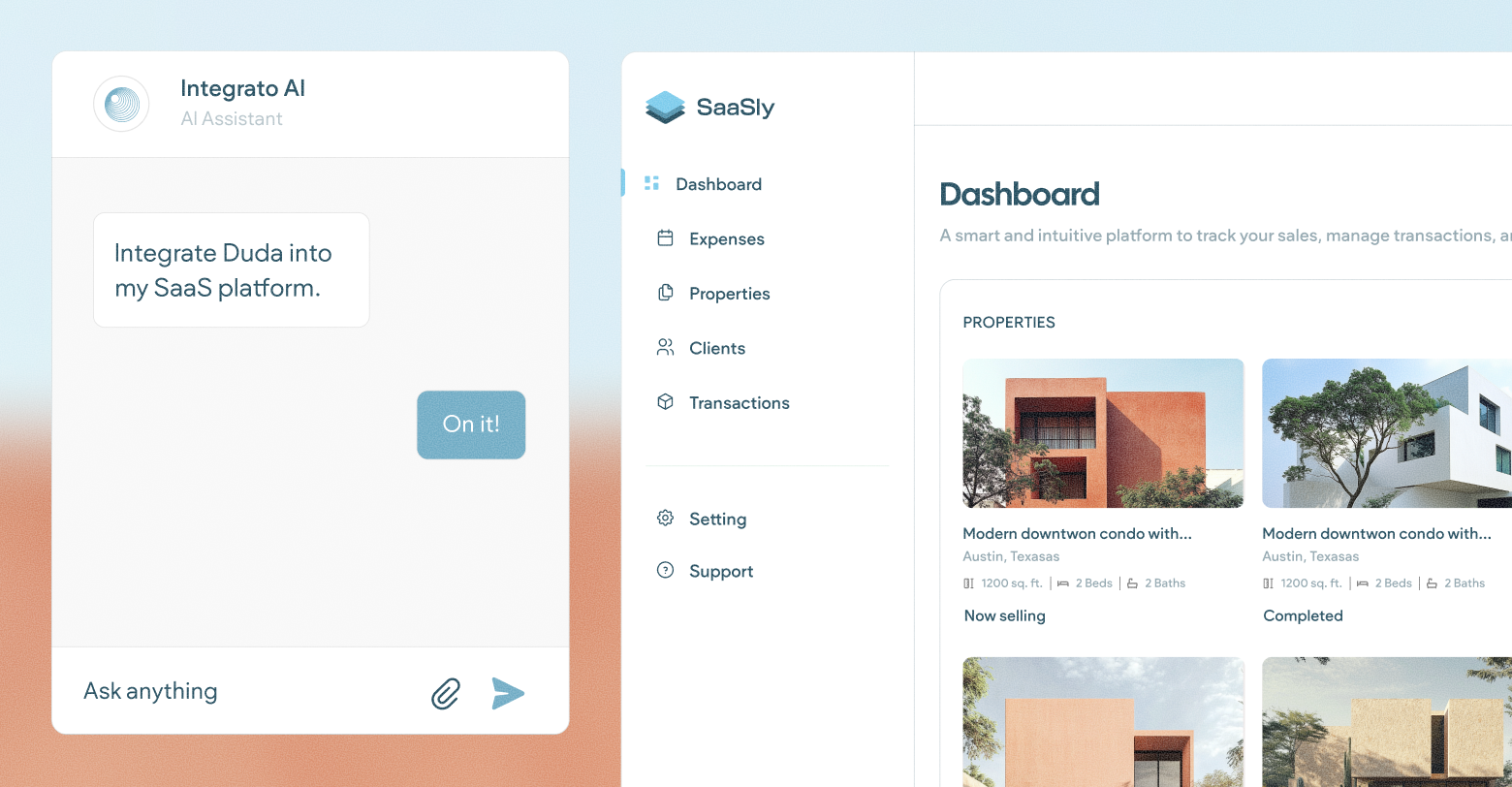
We've bridged the gap between AI and the Duda platform. By configuring Duda's Model Context Protocol (MCP), you give your AI assistant direct access to the Duda API and our developer documentation. This turns your AI assistant into a powerful developer on your team, instantly making the Duda API more accessible and helping you unlock value faster to break into new markets. Today, you'll see how a tool like Cursor AI can turn a simple prompt into a fully functional Duda application.
Choosing your AI Assistant
Selecting the right AI tool is the first step in this process. For this guide, we'll be using
Cursor AI, which offers a generous 14-day free trial, more than enough time to complete this demo. However, you are free to use any AI assistant you prefer or already have access to. Just keep in mind that the output and file generation may vary depending on the model you choose, which means your subsequent setup and troubleshooting steps might look slightly different than what we cover here.
Create a directory
The first step is to create a new folder on your computer. This will be your project directory, where all the files generated by the AI assistant will be stored. Once created, open this new folder as your current project in your code editor.
Configure the MCPs
Next, we need to set up your AI assistant to communicate with the Duda API and access our documentation. In this walkthrough, we will show you how to do
direct settings input. This is done by configuring the
Duda MCP and
Duda Dev Docs as integrations.
Direct settings input involves updating your tool's configuration file to connect to our services. The final configuration will look similar to this:
Confirm your configuration
To ensure your MCP is set up correctly, run the 'List Tools' prompt in the chatbox. If the AI returns a list of Duda-related calls and functions, your configuration is successful!
Run the prompt
Think of the AI prompt as your project's blueprint. Be sure to include clear technical requirements (like Node.js/React) and detailed feature specifications (like a responsive template gallery and SSO integration) to get the most accurate and runnable application.
The following prompt has been tested and is highly optimized to produce a clean, runnable full-stack application using the Duda API. Consider this your starting point! We encourage you to look through our developer documentation and add any extra features you need for your specific application.
Run the app
After the code is generated, follow the setup instructions provided in either the README.md file or the AI's response area to get your application running.
Duda + AI: The future of high-velocity development
This journey from a simple prompt to a live, functional application demonstrates a fundamental shift: Duda's powerful API is now instantly accessible to everyone.
For agencies and technology partners, the bottleneck is no longer writing complex code; it's defining the desired outcome. By using an AI assistant and the Duda platform via the MCP, you reclaim weeks of development time. This integration doesn't just make evaluating the API easier, it unlocks new business opportunities. You can now rapidly prototype complex solutions, set up working MVPs, and enter new market segments faster than ever before.
The future of high-velocity development is here, and it’s driven by the speed and accessibility of the Duda API, with AI.
 Note
Note Important


